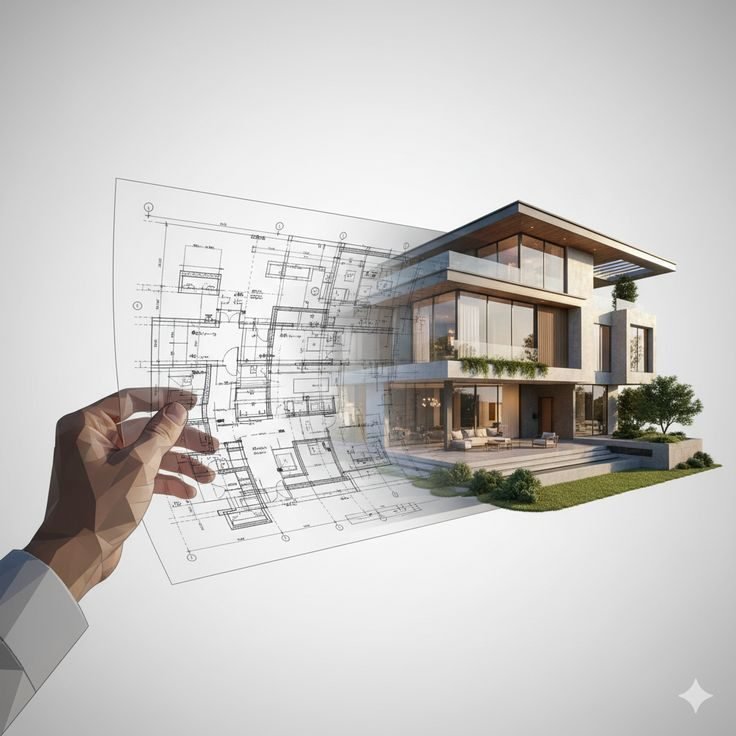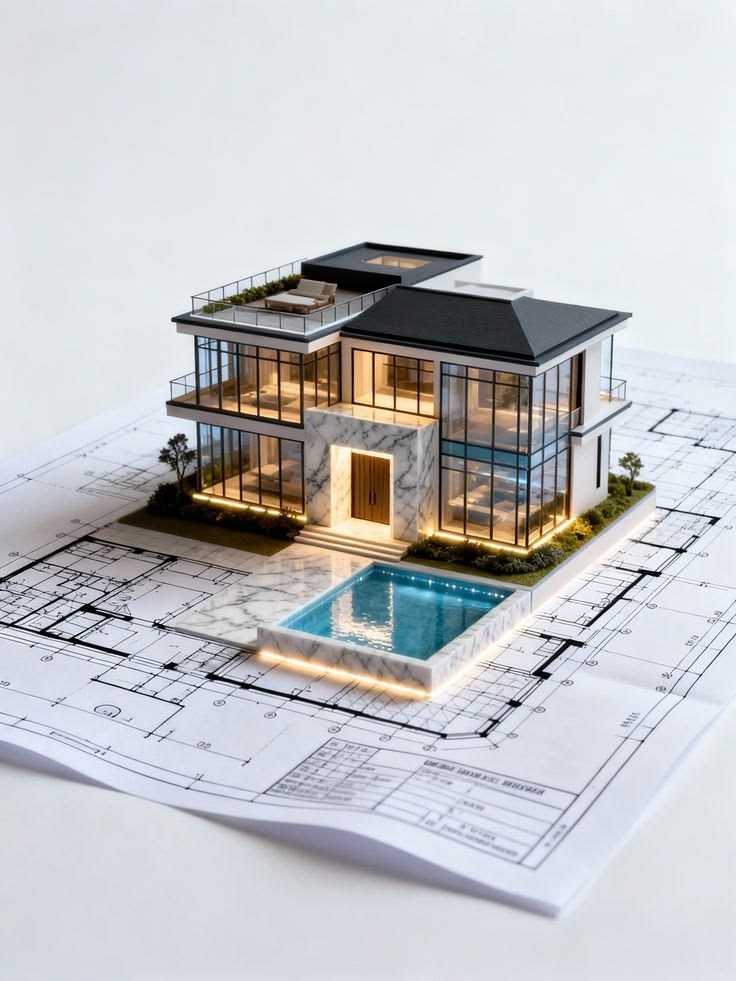
From hand-drawn blueprints to industry‑ready BIM careers.

Meghna's Revit-CAD Academy trains civil, mechanical, electrical and interior design students in AutoCAD, Revit and BIM through 100% hands‑on, live‑project learning in Barsul, Purba Burdwan.

0Learning Tracks
0Software Covered
0Hands-on Training
ISO9001:2015 Certified
AutoCAD 2D & 3DRevit ArchitectureRevit StructureRevit MEP STAAD.ProETABSCivil 3DElectrical CADPrimavera (P6) Microsoft ProjectInterior CADPhotoshop
About the Academy

Where blueprints turn into careers.

Meghna's Revit-CAD Academy is a unit of Meghna Enterprises, built to bridge the gap between academic theory and real-world civil engineering practice. We specialise in Autodesk Revit and AutoCAD, equipping civil, mechanical, electrical and interior design students with cutting-edge 3D modelling and structural drafting skills — the technical foundation for a career in modern infrastructure.

Every course is delivered through 100% hands-on training on live projects, so you leave with a portfolio, not just a certificate.

  • ✓ Practical, project-based curriculum for AutoCAD, Revit & BIM
  • ✓ Experienced mentors with real industry drafting experience
  • ✓ Flexible online and offline batches, with a demo before you enrol
  • ✓ ISO 9001:2015 certified & MSME / Udyam registered credentials
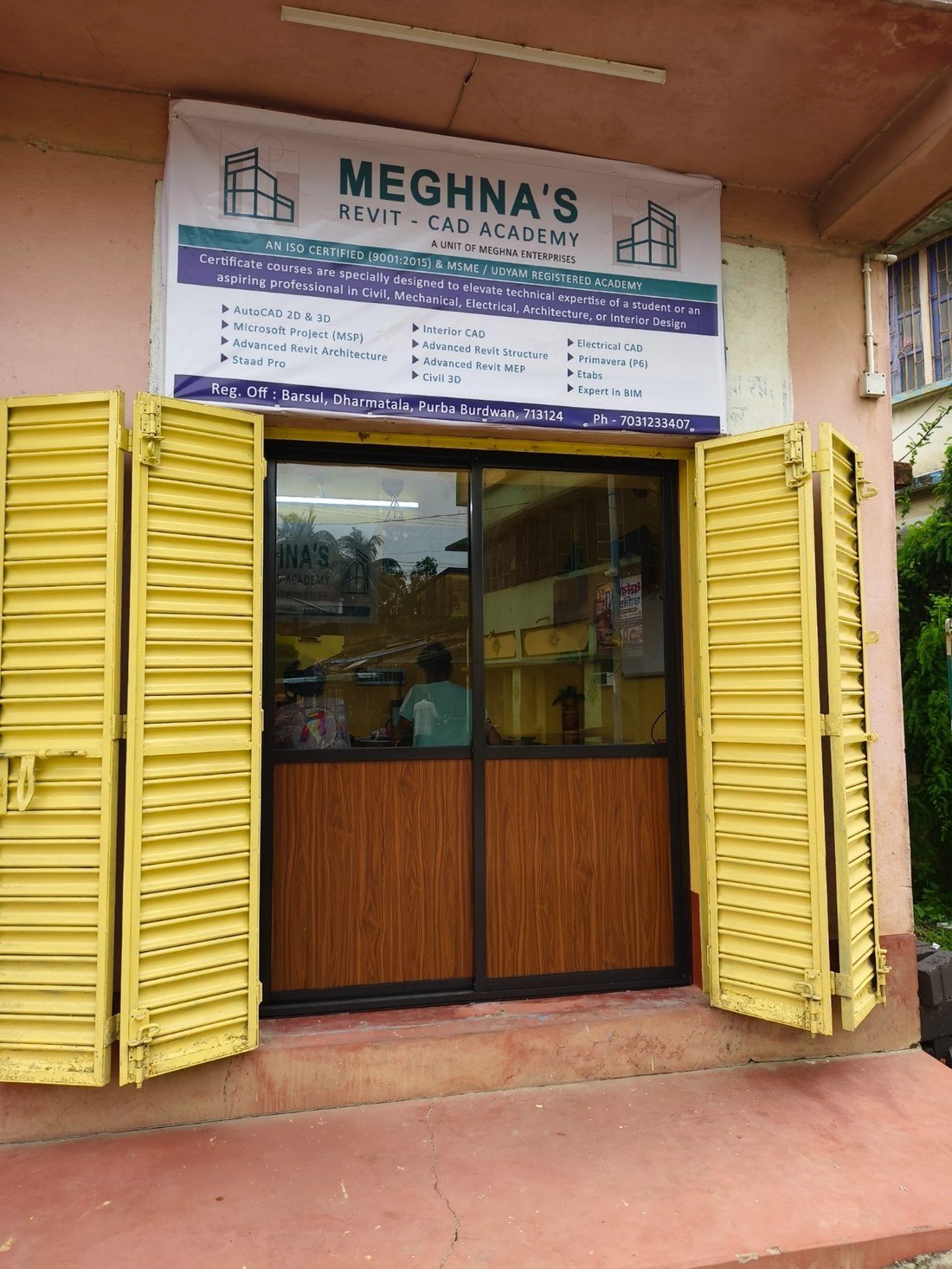
Meghna's Revit-CAD Academy storefront and signboard at Barsul, Dharmatala
ISO 9001:2015 Certified MSME / Udyam Registered
Why Choose Us

Training built the way the industry actually works.

Creative, customised and precise — the same standards we teach are the ones we hold ourselves to.

Creative & functional concepts

Designs and drafting practice that balance visual sense with everyday practicality — not just how a drawing looks, but how it works.

Customised for your needs

Every learning path is tailored to your background — civil, mechanical, electrical or interior — and the software you actually need.

Attention to detail

Clean, precise and thoughtful execution in every corner of a drawing — the habit that separates a draftsperson from an expert.

100% hands-on, live projects

You model real buildings and real structures in class, building a job-ready portfolio in AutoCAD and Revit as you learn.

Industry-recognised certification

Earn ISO-certified, MSME-registered credentials that add real credibility to your resume and campus placement file.

Flexible online & offline batches

Learn from our Barsul classroom or join live online — with a free demo session before you commit to admission.

Courses

Pick a track. Preview what you'll actually learn.

Four focused tracks covering the software studios and site offices use every day. Tap a course to open its key topics.

AutoCAD (Mechanical)

  • AutoCAD interface, drawing, editing & duplicating entities
  • Managing layers and object properties
  • Productivity tools and layout management
  • Plot settings, dimensions and 3D modelling

AutoCAD (Civil / Architecture)

  • Drafting entities and layer management
  • Views, annotations & parametric drawings
  • Blocks, attributes, X-ref and OLE layout & plot
  • AutoCAD 3D techniques

AutoCAD (Interior CAD)

  • Furniture layout plans & false ceiling layout plans
  • Elevation and section detailing
  • Electrical layout plans
  • Plot setting and dimension management

Electrical CAD

  • Basics of AutoCAD Electrical & drawing tools
  • Application of AutoCAD Electrical, project managers
  • Symbol & circuit builder, panel components
  • BOM (bill of materials) creation

Revit Architecture

  • Basics of BIM & the Revit interface
  • Walls, doors, windows, floors, ceilings & roofs
  • Custom family creation (parametric components)
  • Schedules, material takeoff, BOQ, rendering & sheet setup

Revit Structure

  • BIM basics, structural interface, grids & framing layouts
  • Foundations, columns, beams, slabs & steel connections
  • Rebar modelling, detailing & bar bending schedules
  • Analytical model, load setup & quantity takeoff

Revit MEP

  • HVAC design & documentation
  • Lighting design, panel schedules, conduits & cable trays
  • Plumbing design and fire protection family creation
  • Work sharing, sheets & revisions

STAAD.Pro

  • Modelling of structures & assigning properties
  • Loads, load combinations & bridge deck design
  • Static linear, response spectrum & time history analysis
  • RC beam/column design, steel structure & foundation design

ETABS

  • Modelling, assigning properties & loads
  • Analysis and concrete design
  • Steel connection design & shear wall design
  • Detailing and report generation

Civil 3D

  • Survey & surface modelling
  • Alignments, profiles, corridors & cross-sections
  • Site grading & earthworks, pipe & utility networks
  • Quantities & sheet production

Primavera (P6)

  • Project management framework & organisation structure
  • Project initiation, planning & execution
  • Work breakdown structure, activities & scheduling
  • Monitoring, tracking progress & reports

Microsoft Project (MSP)

  • Project initiation, planning & calendars
  • Work breakdown structure, activities & relationships
  • Resource analysis & levelling
  • Updating & tracking project progress, UDF & reports

Photoshop

  • Interface, canvas & layers
  • Selections, masking, cropping & retouching
  • Colour correction, typography & vectors
  • Filters, smart objects & export formats

MS Office (Word + Excel + PowerPoint)

  • Document formatting, styles, tables & mail merge
  • Formulas, functions, pivot tables & data visualisation
  • Slide design, themes, animations & presenting
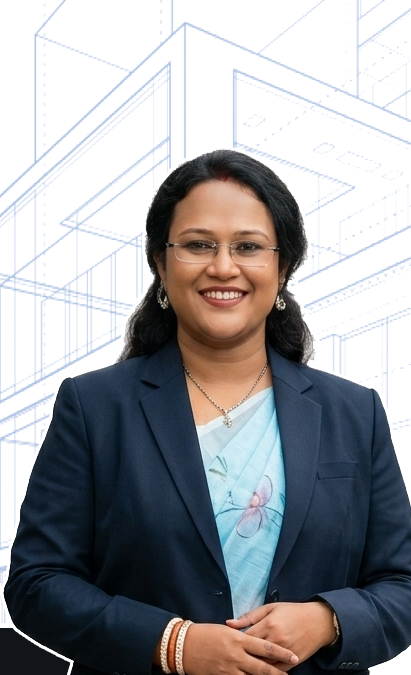
Meghna Modak, B.Tech Civil, founder and mentor
Founder & Mentor
Meet the Mentor

"চাকরি খোঁজার আগে, Skill তৈরি করুন" — build the skill before you go looking for the job.

Meghna Modak

B.Tech (Civil) · Founder, Meghna's Revit-CAD Academy

Meghna leads every batch personally, from the first whiteboard sketch of a floor plan to the final rendered BIM model. Her approach is simple: skill first, software fluency second, job-readiness always — so every student leaves with a portfolio that speaks for itself in interviews and campus placements.

Attend a Free Demo Class
Enrollment

Four simple steps from enquiry to your first build.

No long forms, no confusing process — just a quick chat, a free demo, and hands-on training.

1

Enquire

Call, WhatsApp or fill the short form below.

2

Free Demo Class

Sit in on a live session before you commit.

3

Register

Pick your track and complete admission.

4

Start Building

Begin hands-on training on live projects.

Prefer to talk first?

Reach us directly — we usually reply within the day, and every enquiry can start with a free demo class before you enrol.

Submitting opens WhatsApp with these details pre-filled, sent straight to our admissions number.

✓ Thanks! WhatsApp should now be open with your message ready — hit send and we'll get back to you shortly.
Visit or Write to Us

Come see the classroom for yourself.

Academy Address

Barsul – Dharmatala, Purba Burdwan,
Pin No. 713124, West Bengal.

Phone / WhatsApp

+91 70312 33407

Admissions

Demo classes available daily — call ahead to book your slot.

Get Directions on Google Maps

Barsul – Dharmatala, Purba Burdwan, 713124

Open Map ↗